Managing Team Security
Overview
As an Administrator, you have the tools to ensure your entire organisation remains secure. You can enforce 2FA policies and monitor adoption from the Team and security page.
Enforcing 2FA for the Organisation
To ensure every team member is protected, you can mandate 2FA across your workspace:
- Navigate to Settings > Team and security > Two-factor authentication.
- Enable the Enforce two-factor authentication toggle.
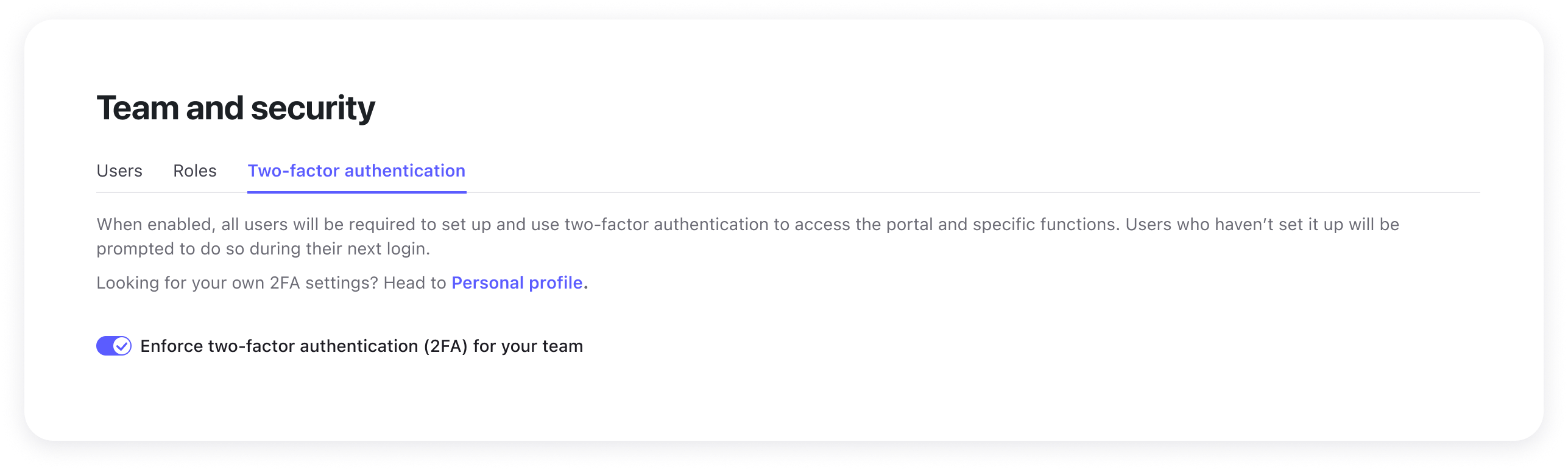
Once enabled, any user who has not yet set up 2FA will be automatically prompted to do so the next time they log in. They will not be able to access the dashboard until their setup is complete.
Monitoring 2FA Status
The Team and security page provides a real-time overview of your organisation's security health.
- Status indicators — View a list of all members and their current 2FA status.
- Audit readiness — Use this list to verify that high-privileged accounts (like other Admins) have successfully secured their access.
Assisting Locked-Out Users
If an employee loses their device and their recovery codes, they will turn to you for help.
Resetting 2FA
From the member list, select a user and click Reset two-factor authentication.
This will temporarily disable 2FA for that specific account, allowing the user to log in with just their password and start a fresh setup process.
FAQ
Q: What happens to users who haven't set up 2FA when I enable enforcement?
A: They will be prompted to set up 2FA on their next login. They cannot access the dashboard until setup is complete.
Q: Can I enforce 2FA for specific roles only?
A: Currently, the enforcement toggle applies to all users in the organisation. Role-specific enforcement is not yet available.
Q: Will resetting a user's 2FA affect their account data?
A: No. Resetting 2FA only removes the authentication method. All account data, permissions, and settings remain unchanged.